Neighbr.ly
I researched, designed, and built a neighborhood tool-sharing app with AI-assisted development, taking it from an early question to a functional beta.
Founder / Product Designer
2025
Functional beta
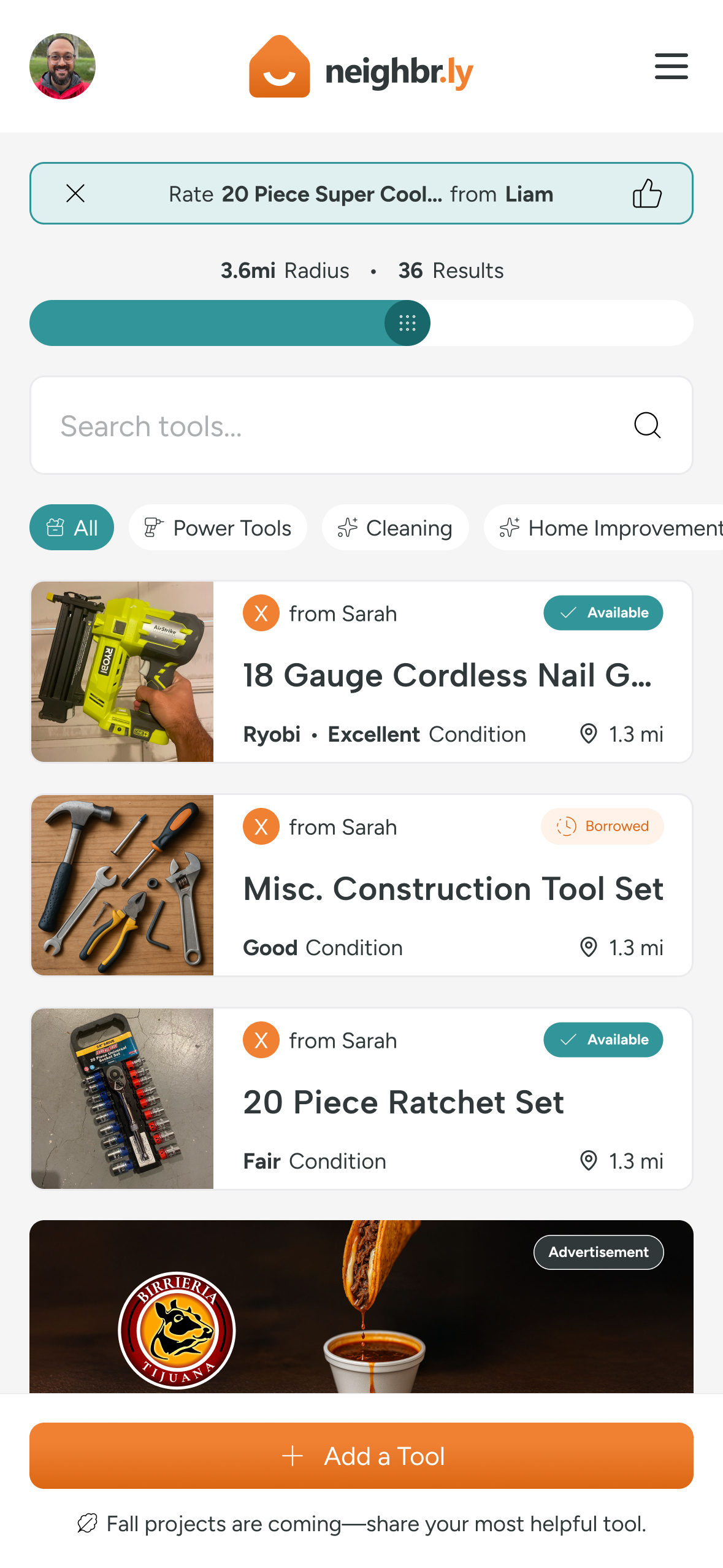
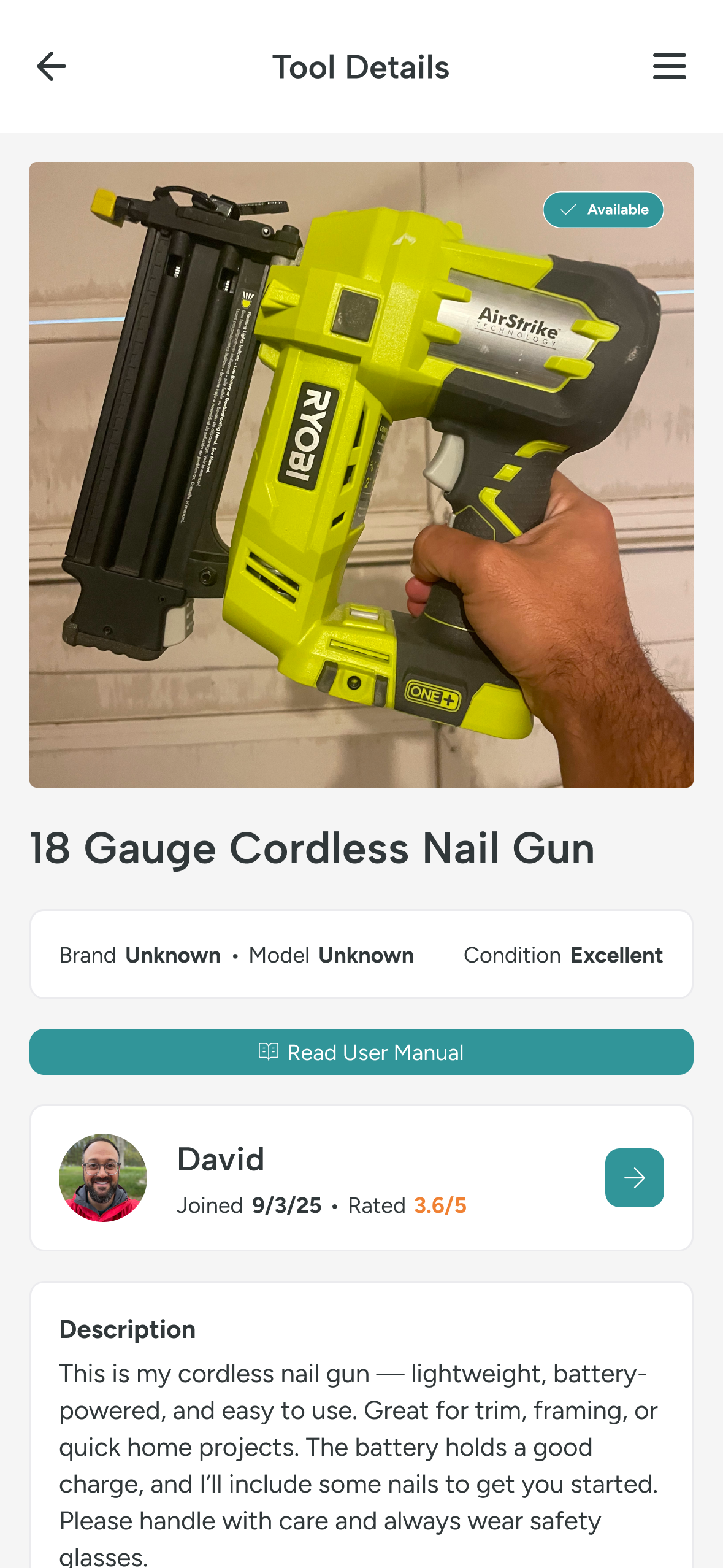
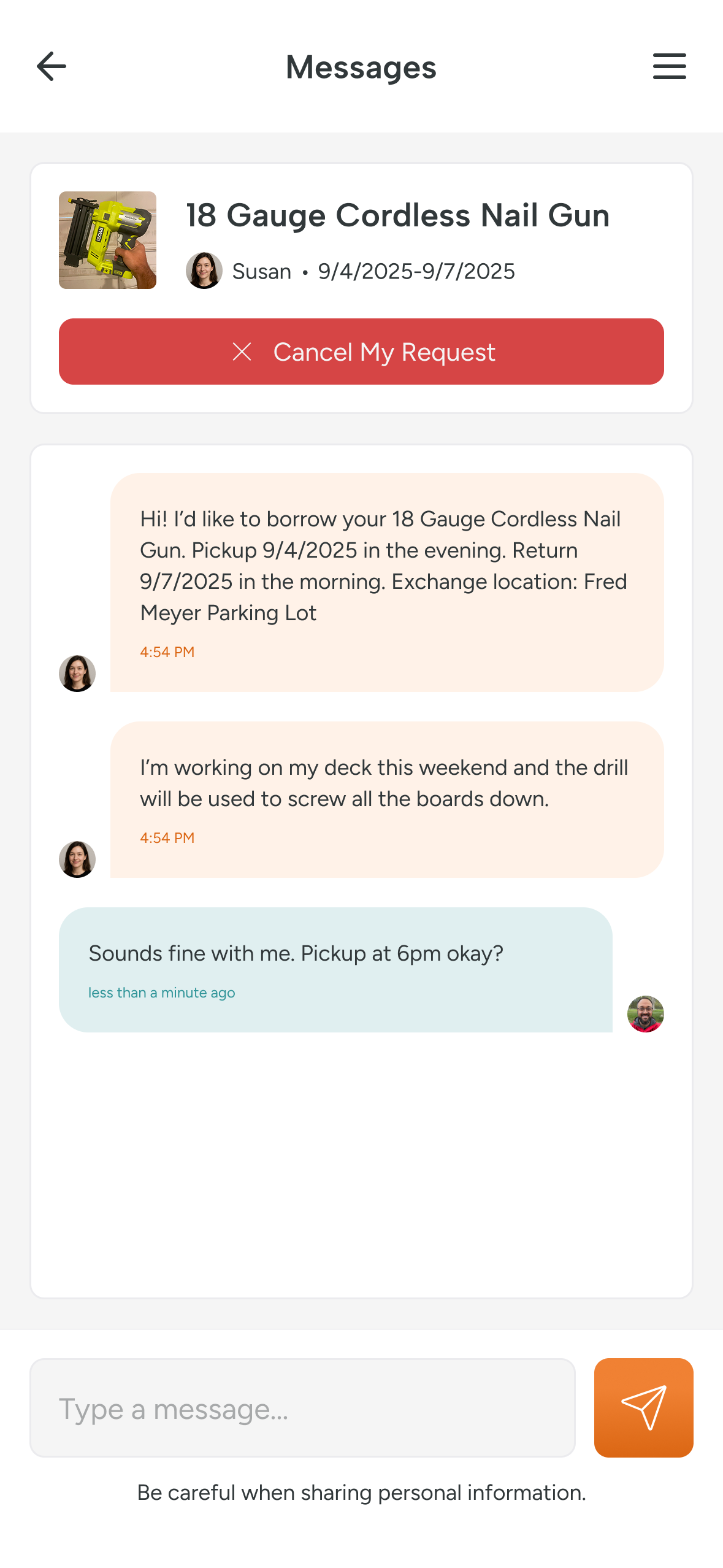
From finding a nearby tool to planning a hand-off: the Neighbr.ly app experience.
A little more neighbor. A lot less stuff.
Could neighbors borrow tools instead of buying equipment they might only use once or twice? The opportunity depended on trust, clear expectations, and an experience that worked beyond the listing screen.

Start with the people, not the platform.
I started with a survey of 100+ participants to understand what people needed and what might make them hesitate to lend or borrow. Those findings shaped the initial product and borrowing workflows.


Design the whole borrowing loop.
The experience connects profiles, listings, nearby discovery, requests, approvals, messaging, active loans, and returns. Pending requests and unavailable items matter just as much as the happy path.
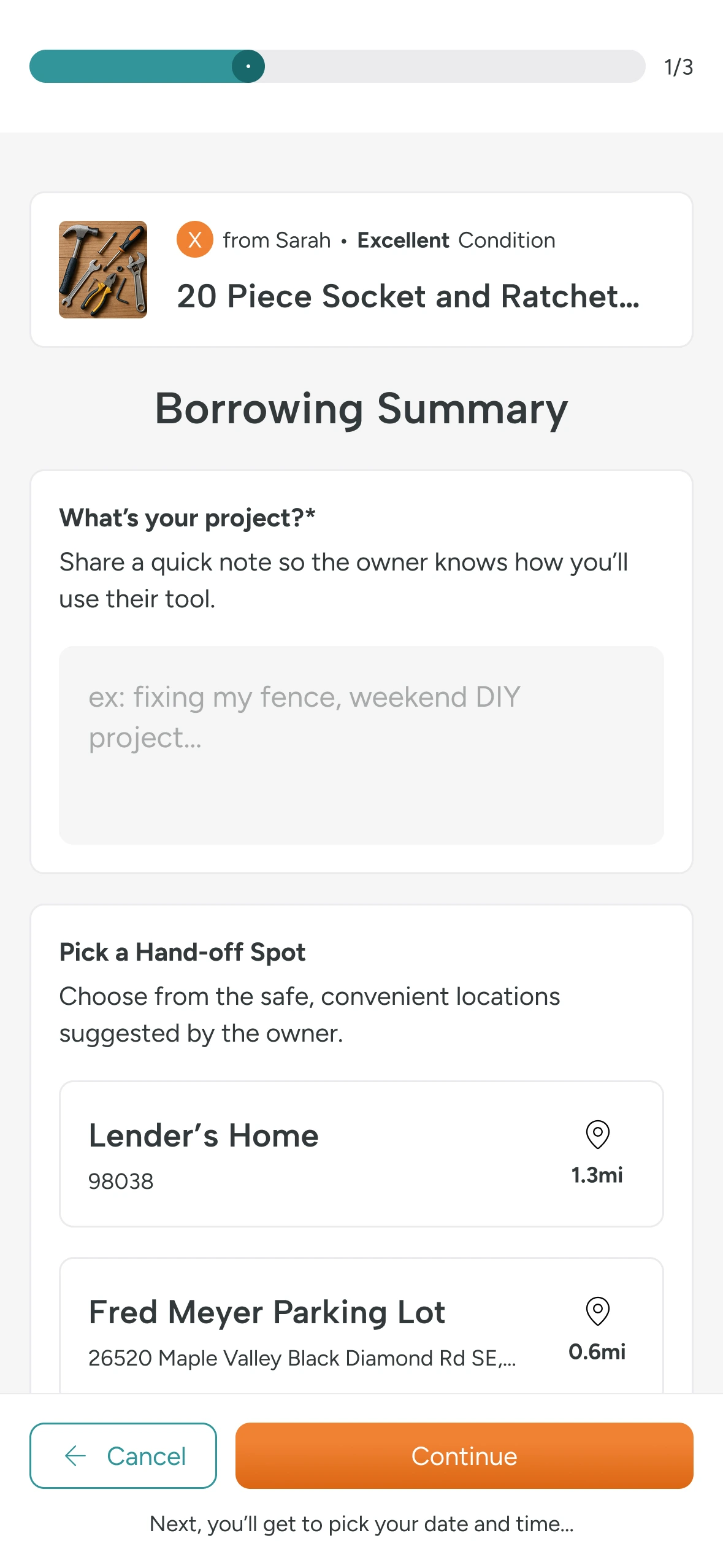


Find a nearby tool. Keep home addresses private.
Public discovery shows approximate item locations. Precise pickup details are reserved for accepted transactions, balancing nearby discovery with personal privacy.
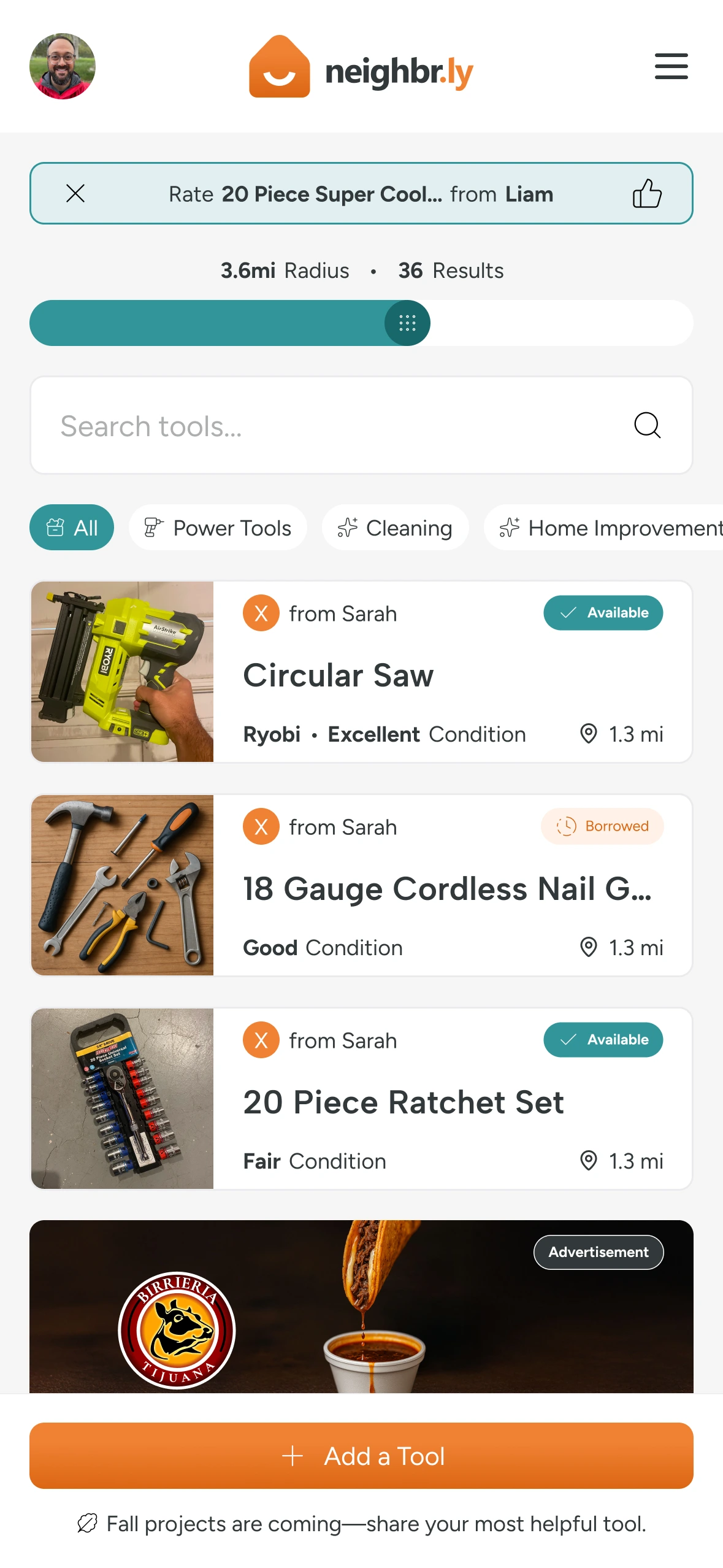

Keep the conversation close to the loan.
Messaging keeps coordination connected to the item being borrowed. Unread-message indicators draw attention to updates, while current and past conversations retain the context of each borrowing request.


Give trust a place in the experience.
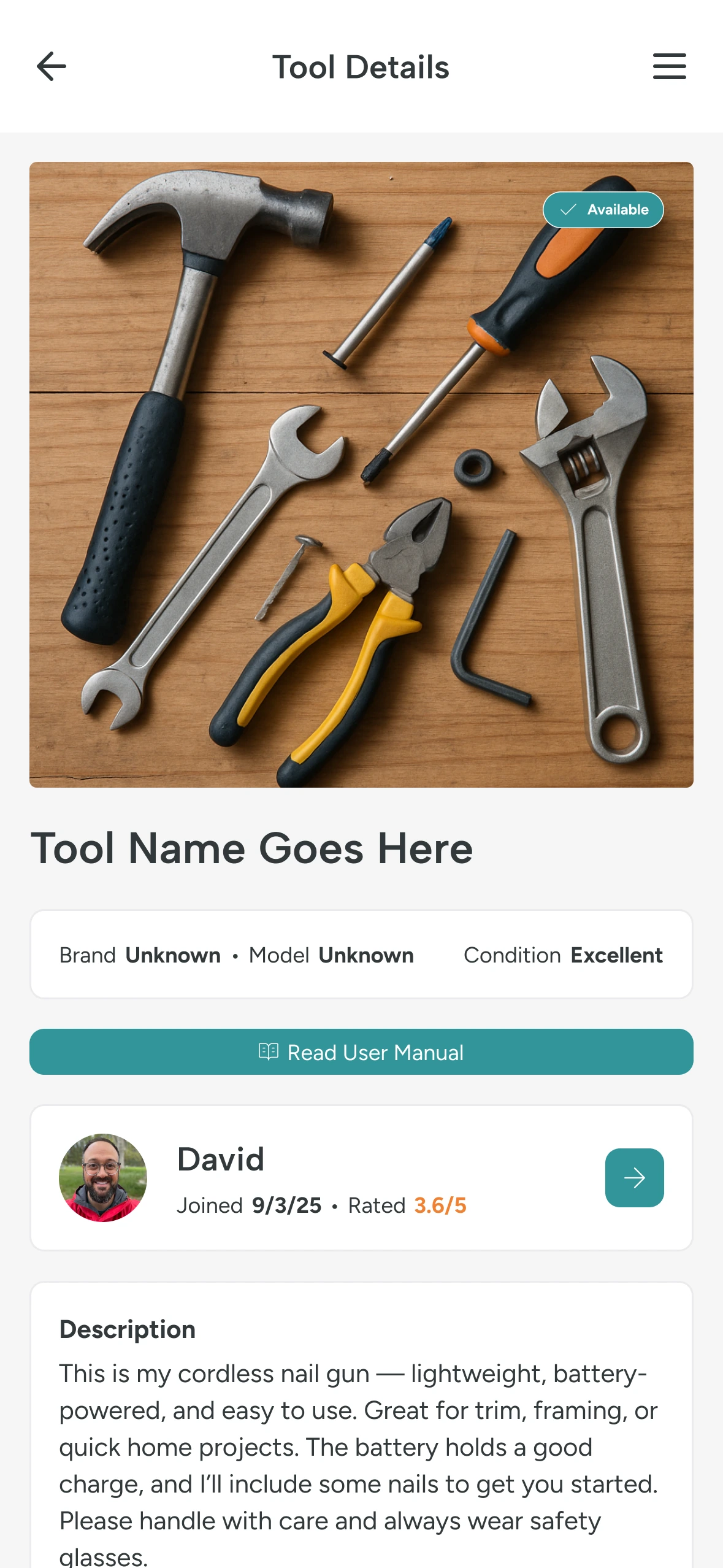
Profiles, community badges, and transaction feedback make participation visible. These screens show how the product supports reputation alongside the borrowing flow.


Building with AI.
Learning as I go.
I used Base44 and AI-assisted development to turn requirements into a working application. When generated interfaces began to drift, I recreated core tokens and reusable components in Figma to regain control of consistency and responsive behavior. I also set up the third-party services behind the beta: mapping for nearby discovery, Cloudinary for uploaded images, and transactional email and SMS notifications. Connecting these services was part of taking the experience from designed screens to a usable product.
What came out of it.
I launched a local beta to test the complete borrowing experience. Building it taught me about the service connections, notifications, and less tidy states that a screen prototype can miss. A borrowing request is only the start; the tool still has to get home.